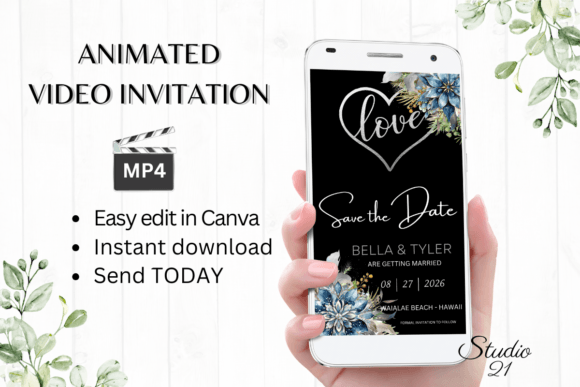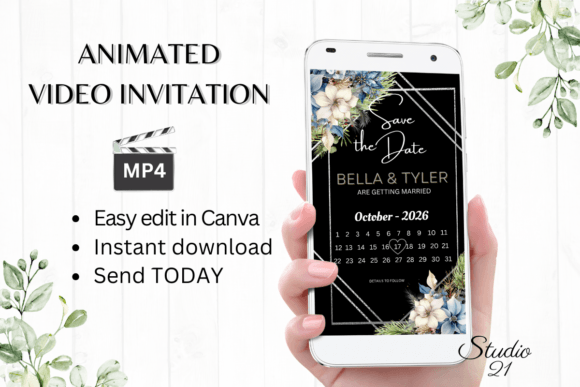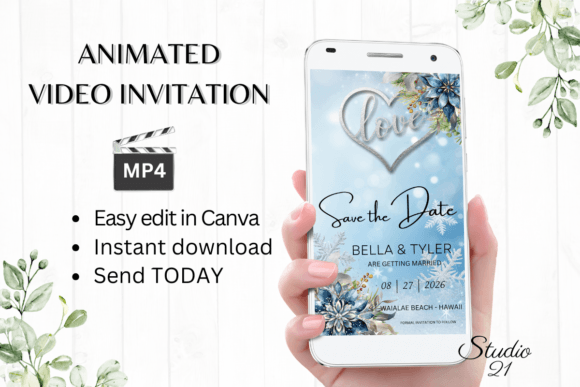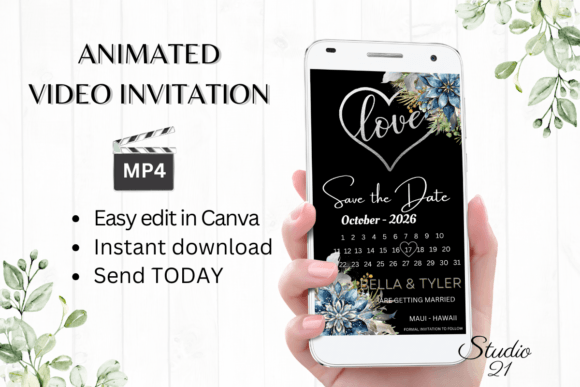
Winter Save the Date Announcement W2254: A Guide to Digital Video Invitations
In the evolving landscape of event planning, digital communication has transitioned from a convenient alternative to a primary method for distributing invitations. The Winter Save the Date Announcement W2254 represents a specific category of digital assets designed to streamline this process. This template offers a structured approach to creating animated video invitations, allowing users to bypass traditional printing timelines and costs. For individuals evaluating options for winter weddings, holiday gatherings, or seasonal corporate events, understanding the functionality, benefits, and limitations of this digital format is essential for making an informed decision.
Understanding the Digital Template Format
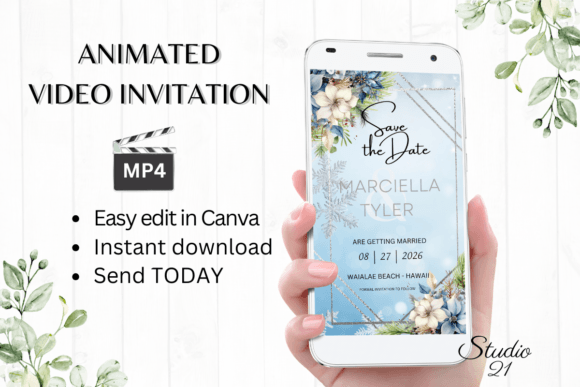
The Winter Save the Date Announcement W2254 is not a physical product but a digital asset accessible via Canva, a popular graphic design platform. Upon purchase, users receive a PDF containing a direct link to the editable template. This structure eliminates the need for specialized software installation, as all editing occurs within a web browser or the Canva mobile application. The template is optimized for vertical viewing, with dimensions of 1080x1920 pixels, making it ideal for smartphone screens and social media stories.
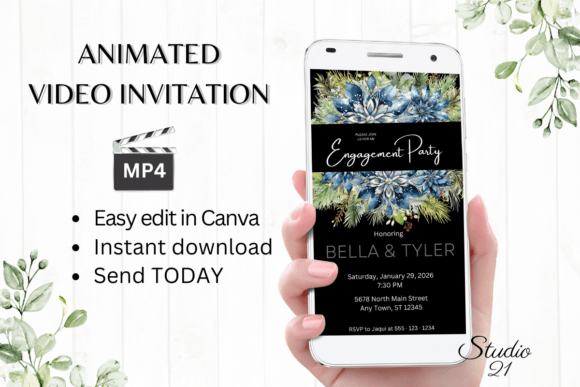
The core value proposition lies in its immediacy and ease of use. Unlike custom-designed animations that require professional graphic designers and weeks of revision, this template allows for self-service customization. Users can edit text, adjust fonts, modify colors, and alter animation styles directly. Once finalized, the invitation is downloaded as an MP4 video file, ready for distribution through modern communication channels such as iMessage, WhatsApp, Messenger, or email links.
Key Benefits of Animated Video Invitations
Choosing a digital animated invitation like the W2254 template offers several distinct advantages over traditional paper stationery or static digital images.
- Cost Efficiency: Digital templates eliminate printing costs, postage fees, and envelope purchases. This makes them a budget-friendly option for large guest lists or events where resources are allocated elsewhere.
- Speed and Convenience: The ability to download, edit, and send within minutes addresses last-minute planning needs. There is no waiting period for proofs or shipping, allowing for rapid deployment of save-the-date notices.
- Environmental Impact: By removing paper waste and carbon emissions associated with postal delivery, digital invitations align with eco-conscious values.
- Engagement: Animated content often captures attention more effectively than static text. The motion elements in the W2254 template can convey the tone of a winter event—whether cozy, festive, or elegant—more dynamically.
- Flexibility: Edits can be made at any time. If dates change or additional information needs to be added before the final formal invitation, the digital file can be updated and resent without significant cost or delay.
Customization and Editing Capabilities
The utility of the Winter Save the Date Announcement W2254 depends heavily on its customization options. Hosted on Canva, the template provides a user-friendly interface for personalization. Users are not locked into rigid designs; instead, they have control over several key elements.
Text personalization is comprehensive. Users can add, delete, or modify text fields to suit their specific event details. Font styles, sizes, and colors can be adjusted to match branding or personal preferences. Furthermore, text effects and animation styles can be altered, allowing for a degree of creative expression beyond simple text replacement. This level of control ensures that while the base design remains consistent, the final output feels unique to the host.
It is important to note that while advanced design skills are not required, familiarity with basic digital tools enhances the experience. The provided user guide and Canva instructions serve as valuable resources for those new to the platform. However, users should anticipate a learning curve if they attempt complex modifications beyond the intended scope of the template.
Distribution and Sharing Considerations
Once the editing phase is complete, the invitation is downloaded as an MP4 file. This format is widely compatible with most modern devices and messaging platforms. Sharing options include direct transmission via text message, social media DMs, or email links. This versatility ensures that guests can receive the invitation through their preferred communication channel.
However, distribution methods do present certain considerations. File sizes for video content can be larger than static images, potentially causing delays in loading for recipients with slower internet connections. Additionally, some email clients may block automatic video playback, requiring recipients to click to view. Hosts should consider providing a brief text summary alongside the video link to ensure critical information is immediately accessible.
Evaluating Fit: When to Choose This Template
The Winter Save the Date Announcement W2254 is a strong fit for specific scenarios. It is particularly suitable for:
- Casual to Semi-Formal Events: While elegant, digital video invitations often convey a modern, relaxed tone. They are well-suited for winter weddings, engagement parties, or holiday gatherings where strict formal etiquette is not paramount.
- Tech-Savvy Guest Lists: If the majority of guests are comfortable receiving information via smartphones and social platforms, this format ensures high visibility and engagement.
- Time-Sensitive Planning: For events planned on short notice, the immediate availability of the template removes logistical bottlenecks associated with physical printing.
- Remote or International Guests: Digital delivery eliminates international postage complexities and ensures simultaneous receipt regardless of geographic location.
Limitations and Alternatives
Despite its advantages, this digital template may not be appropriate for every situation. Potential drawbacks include:
- Lack of Physical Keepsake: Some guests value tangible mementos. A digital file does not offer the same sentimental value as a printed card stored in a scrapbook.
- Accessibility Concerns: Older demographics or individuals with limited digital literacy may struggle to access or view MP4 files. In such cases, a follow-up phone call or a printed backup may be necessary.
- Color Variability: As noted in the product information, colors may vary depending on the device used to view the invitation. Screens differ in calibration, meaning the exact hue of the winter theme may not appear uniform across all devices.
- Perceived Formality: For black-tie events or highly traditional ceremonies, physical stationery may still be expected as a sign of respect and formality.
If these factors are significant concerns, alternatives such as hybrid approaches—sending digital save-the-dates followed by formal printed invitations—may be worth considering. This strategy balances modern convenience with traditional etiquette.
Final Decision-Making Insights
Selecting the Winter Save the Date Announcement W2254 requires aligning the tool with your event goals. Evaluate your guest list’s technological comfort, your budget constraints, and the desired tone of your event. If speed, cost-efficiency, and modern engagement are priorities, this digital template offers a robust solution. However, if tactile quality and universal accessibility are paramount, supplementing digital efforts with physical copies or choosing a different medium may be more appropriate.
Ultimately, the decision rests on how you wish to communicate your event’s essence. The W2254 template provides a flexible, efficient foundation for winter-themed announcements, empowering hosts to create personalized, animated invitations with minimal technical barriers. By understanding both its capabilities and its limitations, you can determine whether this digital approach supports your broader event planning strategy.