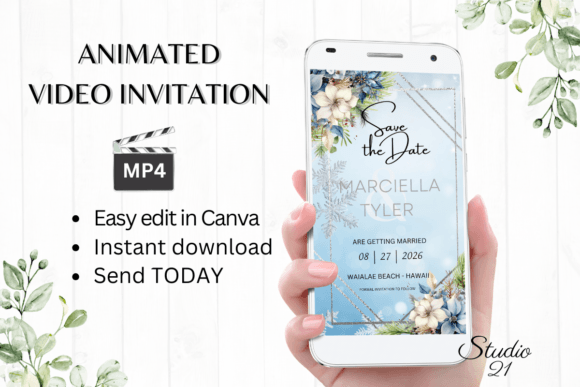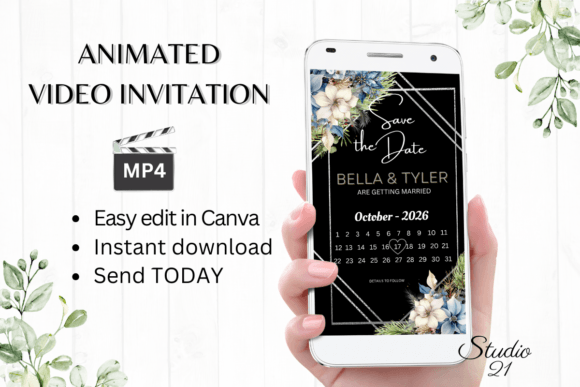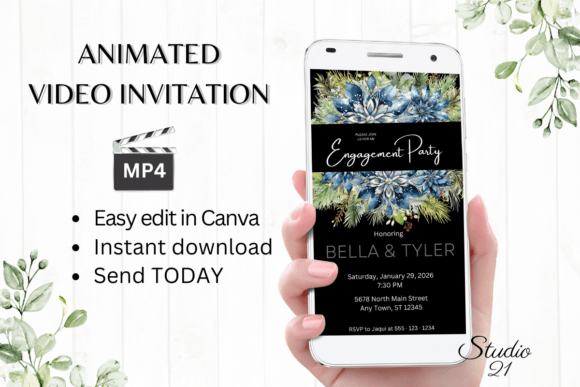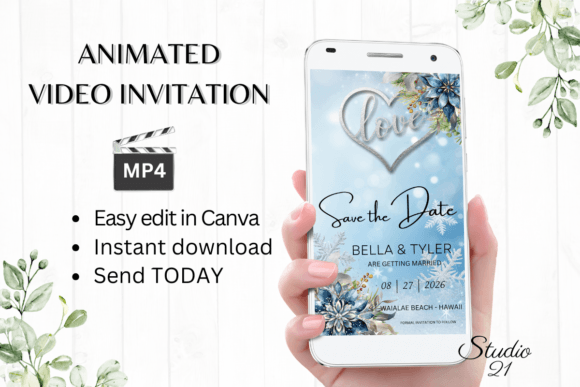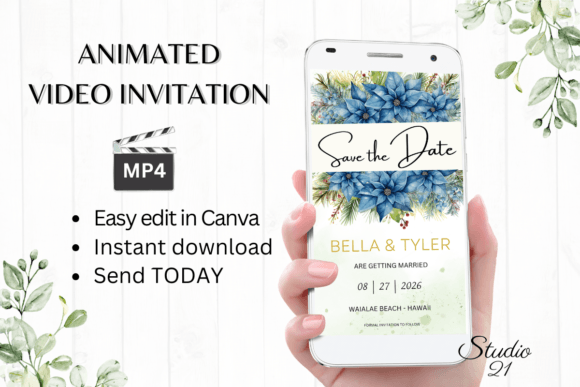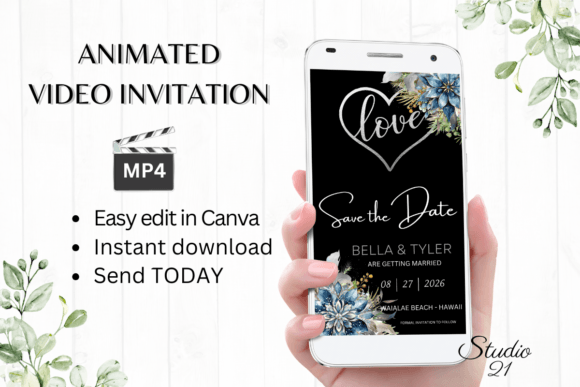
Winter Save the Date Announcement W2251: A Practical Guide to Digital Invitations
Sending out save-the-date notices is one of the first major steps in planning a significant event, whether it is a winter wedding, a holiday corporate gathering, or a family reunion. In recent years, the shift from traditional paper mail to digital formats has accelerated, driven by the need for speed, cost-efficiency, and environmental consciousness. The Winter Save the Date Announcement W2251 represents this modern approach, offering a digital animated video invitation template that can be downloaded, edited, and sent within minutes. However, while the technology makes distribution easier, many users stumble over the execution. Understanding how to properly utilize these digital tools is essential to ensuring your message is received clearly and professionally.
Understanding the Digital Shift
The appeal of a template like W2251 lies in its immediacy. Unlike physical cards that require weeks for printing and shipping, a digital evite allows for instant communication. This specific template is designed for use in Canva, a popular graphic design platform that requires no software downloads. You gain immediate access to edit the template on your computer or make basic edits on a mobile device. This accessibility is a double-edged sword; because it is so easy to start, many people rush through the customization process, leading to avoidable errors in the final product.
For beginners and professionals alike, the transition to animated video invitations requires a slight shift in mindset. You are no longer designing a static image but a short video clip. This means considering timing, readability, and animation flow. The W2251 template simplifies this by providing pre-set animation styles, but users must still exercise judgment when personalizing text and visual elements.
Common Mistakes and How to Avoid Them
One of the most frequent misunderstandings regarding digital templates is the assumption that "editable" means "foolproof." Users often overlook the importance of proofreading simply because they believe they can fix errors later. While it is true that you can edit the template at any time, sending out an incorrect date or misspelled name via text or WhatsApp can create confusion and require awkward follow-up corrections. Always treat your digital draft with the same rigor as a printed proof. Take the time to review every line of text, checking for font consistency, color contrast, and factual accuracy before downloading the final MP4 file.
Another common pitfall involves technical compatibility. The Winter Save the Date Announcement W2251 is optimized for vertical viewing, with dimensions of 1080x1920 pixels. This format is ideal for mobile devices, which is where most recipients will view the invitation. However, some users attempt to share these files via email attachments without considering file size limits or playback issues. Instead of attaching large video files directly, consider using the link feature provided in the download instructions. This ensures that your friends and family can view the invitation smoothly without clogging their inboxes or dealing with unsupported formats.
Color variation is also a frequently overlooked detail. The template documentation notes that colors may vary depending on the device used. This is not a flaw but a reality of digital displays. A shade of blue that looks crisp on your laptop might appear darker on an older smartphone screen. To mitigate this, avoid placing critical text over busy background animations or low-contrast areas. Test your final MP4 on multiple devices if possible, or ask a friend to preview it on their phone. This simple step can prevent readability issues that might otherwise cause guests to miss key details.
Maximizing Editing Options for Better Results
The W2251 template offers a range of editing options in Canva, including the ability to personalize text, add or delete content, change font styles, colors, and sizes, and modify text effects and animation styles. While this flexibility is empowering, it can lead to design clutter if not managed carefully. A common mistake is over-customization. Users often try to change every element, resulting in a disjointed aesthetic that loses the original charm of the winter theme.
A better approach is to focus on clarity and cohesion. Stick to one or two font families that complement the winter motif. If you change the text color, ensure it remains legible against the background. When adjusting animation styles, choose transitions that enhance the message rather than distract from it. Subtle movements often convey elegance, whereas excessive flashing or rapid changes can be disorienting, especially for older relatives who may be viewing the invitation on smaller screens.
Remember that you do not need to wait for proofs from a printer, but you should still create a "proofing" stage for yourself. Download a draft version of the MP4 and watch it several times. Check the timing of the text appearances. Does the viewer have enough time to read the date and location before the next animation triggers? If not, adjust the duration of the text boxes in Canva. This attention to detail separates a amateurish notification from a polished, professional announcement.
Sharing Your Digital Evite Effectively
Once you have edited your invitation in Canva and downloaded it as an MP4 file, the method of sharing becomes crucial. The template is designed for easy distribution via text, Messenger, iMessage, WhatsApp, and similar services. These platforms are optimized for mobile viewing, making them the ideal channels for your vertical video invitation. However, avoid blasting the same message to hundreds of contacts individually if you can help it. Use group chats wisely, or consider using a broadcast list feature if available, to maintain a personal touch without sacrificing efficiency.
For email distribution, the provided user guide includes instructions on how to generate a shareable link. This is often a superior method for formal events, as it allows you to track views in some cases and ensures high-quality playback without attachment restrictions. Include a brief, polite message with the link, reminding recipients to open it on a mobile device for the best experience. This small courtesy helps ensure that your beautifully crafted winter announcement is viewed exactly as intended.
Final Considerations Before You Send
Before finalizing your decision to use the Winter Save the Date Announcement W2251, verify that your guest list is primarily reachable via digital means. While this method is efficient and eco-friendly, it may not suit all audiences. For elderly relatives or those with limited tech access, a follow-up phone call or a traditional card might still be necessary. Blending digital efficiency with personal consideration ensures that no guest feels excluded.
Additionally, remember that this is a digital download only; no physical product will be shipped. Ensure you have a stable internet connection to access the Canva template and download your files. Keep the PDF with the link and the user guide in a safe place, as you may need to refer back to them if you wish to make last-minute changes. By approaching this process with preparation and attention to detail, you can leverage the convenience of digital invitations while maintaining the warmth and significance of your winter event announcement.