Designing High-Impact Event Graphics with Music Party Text in Futuristic Style
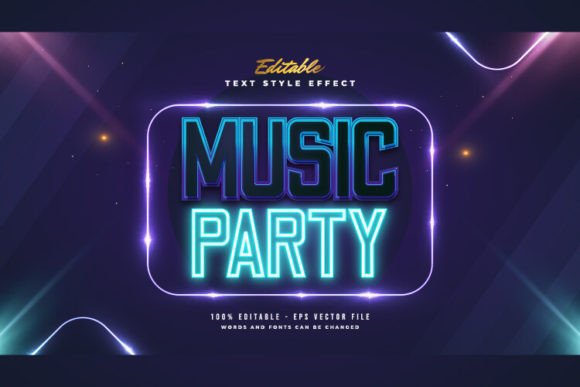
In the competitive landscape of event promotion, visual identity serves as the primary hook for potential attendees. For music festivals, club nights, and electronic dance events, the typography used in promotional materials often carries as much weight as the lineup itself. This is where Music Party Text in Futuristic Style becomes a critical design asset. Unlike standard typefaces that rely solely on letterform structure, this specific aesthetic combines neon glows, metallic gradients, and cyberpunk-inspired distortions to evoke energy, modernity, and excitement.
However, creating these effects from scratch in vector software can be time-consuming and technically demanding. Pre-designed text effect packages offer a streamlined alternative, allowing designers to achieve professional results without starting from zero. Understanding the nuances of these resources, their limitations, and their ideal use cases is essential for making an informed decision about your design workflow.
Defining the Aesthetic: What Makes Futuristic Text Distinct?
The term "futuristic style" in graphic design encompasses a broad range of visual cues, but when applied to music party contexts, it typically refers to a high-contrast, luminous aesthetic. Key characteristics include:
- Neon and Glow Effects: Simulating light emission to create depth and vibrancy against dark backgrounds.
- Metallic and Chrome Finishes: Using complex gradient meshes to mimic reflective surfaces.
- Geometric Distortion: Applying perspective transforms or liquid warps to suggest motion and digital fluidity.
- Cyberpunk Influences: Incorporating glitch artifacts, scan lines, or tech-inspired embellishments.
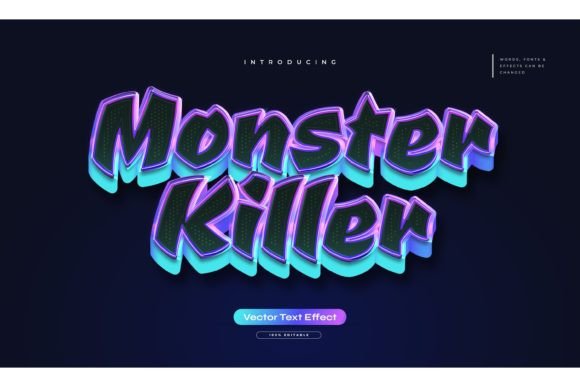
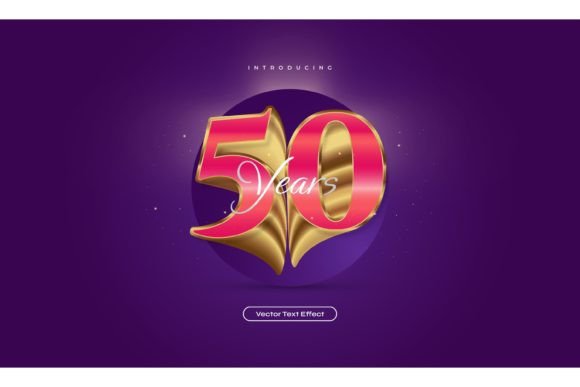
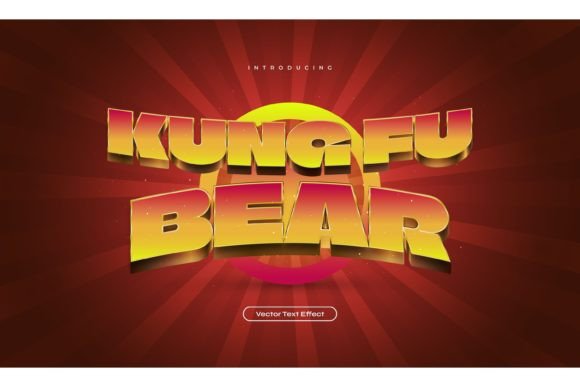
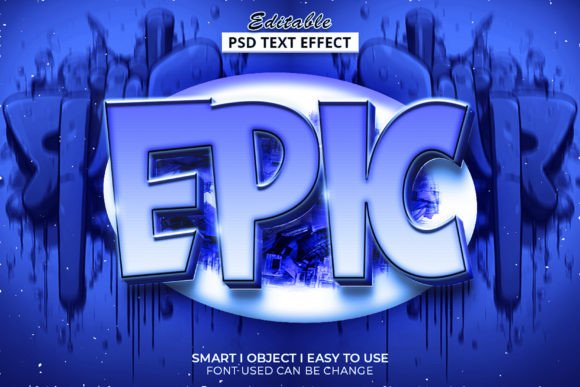
When you utilize a resource labeled as Music Party Text in Futuristic Style, you are accessing a pre-built combination of these elements. It is crucial to understand that these are text effect designs, not font files. This distinction is vital for users who may expect a downloadable .otf or .ttf file. Instead, these packages provide vector objects where the visual style is already applied to placeholder text. The value lies in the editable nature of these vectors, allowing users to swap out the default words for their own event titles while retaining the complex styling.
Evaluating Workflow Efficiency: Custom Design vs. Pre-Made Effects
For professional designers and hobbyists alike, the decision to use a pre-made text effect versus creating one manually often comes down to a tradeoff between customization and efficiency.
The Case for Custom Creation
Building a futuristic text effect from scratch in Adobe Illustrator offers total creative control. You can adjust every anchor point, refine gradient stops to match specific brand colors, and ensure the effect scales perfectly for any medium. However, this approach requires a deep understanding of vector tools, including the Appearance panel, blending modes, and mesh gradients. For a single project, the time investment might be justified. For recurring events or tight deadlines, it can become a bottleneck.
The Advantage of Editable Templates
Pre-made solutions, such as the 100 Editable Words package mentioned in many design marketplaces, shift the focus from technical execution to content management. With these files, the complex layering and effects are already constructed. The user’s task is simplified to selecting the text object and typing new content. This "click and change" functionality is particularly beneficial for:
- Non-Designers: Event organizers who need polished graphics but lack advanced software skills.
- High-Volume Production: Agencies managing multiple events simultaneously, where consistency and speed are paramount.
- Rapid Prototyping: Designers who need to present visual concepts to clients quickly before committing to custom work.
The inclusion of both EPS (Encapsulated PostScript) and JPG preview files further enhances usability. EPS files maintain vector scalability, ensuring crisp edges at any size, while JPGs allow for quick visual reference without opening heavy design software.
Technical Considerations and Limitations
While the convenience of pre-styled text is apparent, it is important to recognize the technical constraints. Since these are not fonts, you cannot simply install them into your operating system and use them in word processors or web browsers. They are strictly design assets intended for use within vector editing software like Adobe Illustrator.
Font Flexibility: One significant advantage of high-quality text effect packages is font agnosticism. Although the preview images display specific typefaces, the underlying effect is usually applied to the vector shape or appearance attributes. This means you can often change the font family to suit your brand guidelines. Whether you prefer a sleek sans-serif for a techno event or a bold display font for a rock concert, the futuristic effect can typically adapt, provided the new font has sufficient weight and structure to support the glow and gradient details.
Editing Complexity: The phrase "Easy to Edit" is subjective. For users familiar with Illustrator, replacing text is straightforward. However, if the effect relies on expanded shapes rather than live text effects, changing the text might require more steps, such as re-applying certain styles or adjusting bounding boxes. It is advisable to review the file structure upon purchase to understand the level of automation involved.
Comparing Use Cases: When to Choose This Style
Not every event benefits from a futuristic aesthetic. Evaluating the fit between your event’s theme and the design style is crucial for effective communication.
Ideal Scenarios for Futuristic Text Effects
- Electronic Dance Music (EDM) Festivals: The neon and cyberpunk elements align naturally with the high-energy, tech-forward vibe of EDM culture.
- Nightclub Promotions: Dark backgrounds with glowing text mimic the lighting conditions of club environments, creating immediate contextual relevance.
- Gaming and Tech Conferences: The digital aesthetic resonates with audiences interested in technology, virtual reality, and gaming.
- New Year’s Eve Parties: The celebratory, luminous quality of futuristic text fits the festive, midnight atmosphere.
When to Consider Alternatives
If your event focuses on acoustic music, classical performances, or organic wellness retreats, a futuristic text effect may create cognitive dissonance. In these cases, serif fonts, hand-lettered scripts, or minimalist typography might better convey the intended mood. Similarly, if your brand identity strictly adheres to flat design principles, adding complex gradients and glows could dilute brand consistency.
Making an Informed Decision
Choosing the right design resource involves balancing aesthetic goals with practical constraints. When evaluating a package of Music Party Text in Futuristic Style, consider the following factors:
Versatility: Does the package offer enough variety? A collection of 100 editable words suggests a broad range of layouts and effect variations, reducing the risk of repetitive visuals across multiple campaigns.
Compatibility: Ensure your software version supports the features used in the EPS files. While EPS is a widely supported format, newer effects might rely on features available only in recent versions of Adobe Illustrator.
Support and Documentation: Reliable creators often provide guidance on how to edit the files. The availability of customer support, as noted in product descriptions, can be a valuable safety net for users encountering technical hurdles.
Ultimately, pre-designed text effects are powerful tools for accelerating the design process without sacrificing visual impact. They bridge the gap between amateur efforts and professional polish, allowing creators to focus on messaging and strategy rather than technical execution. By understanding the capabilities and limitations of these assets, you can integrate them effectively into your design toolkit, ensuring your promotional materials stand out in a crowded digital landscape.
For those interested in exploring these resources further, reviewing the included JPG previews can provide a clear expectation of the final output. Remember, the goal is not just to adopt a trend, but to select a visual language that authentically represents your event’s energy and appeals to your target audience.